
Training
How to build and redo your tailored plan
Answer your goal, level, days and time per workout, and Gym+ builds the routines of your week with the gear of your place.
- Plan
- Athlete
- Coach
- Works on
- iPhone
- Android
The tailored plan builds the routines of your week from a few answers: what you want from training, how long you have been training, how many days a week and how much time per workout. At sign-up, these answers already build your first plan. Later, you can check or redo the plan whenever you like.
Step by step
On the Home screen, scroll to Your routines and tap the arrow next to the title to open the Routines screen. At the bottom of the screen, tap Tailored plan.
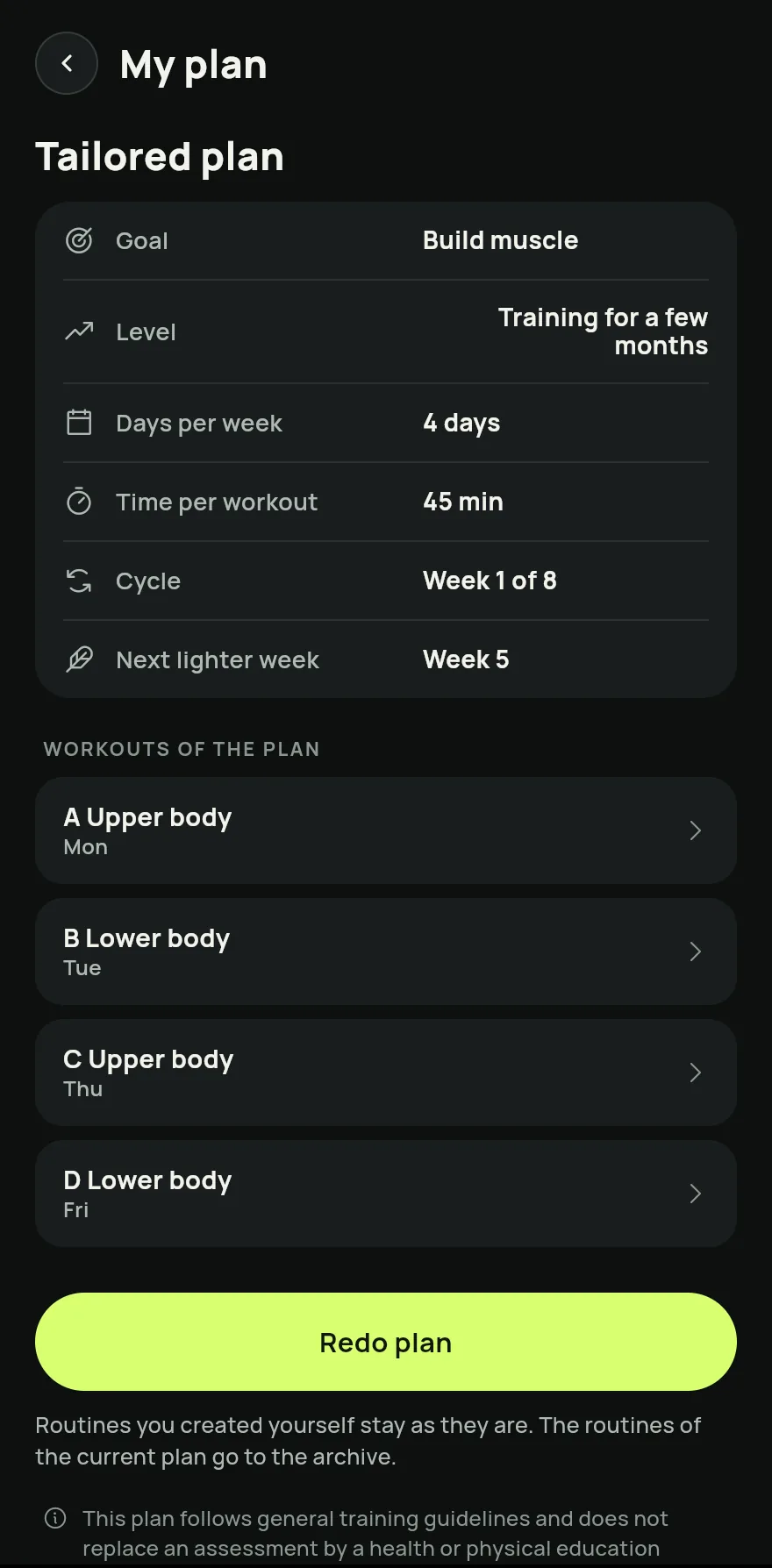
Step 1 If you do not have a plan yet, tap Build my plan. If you do, tap Redo plan.
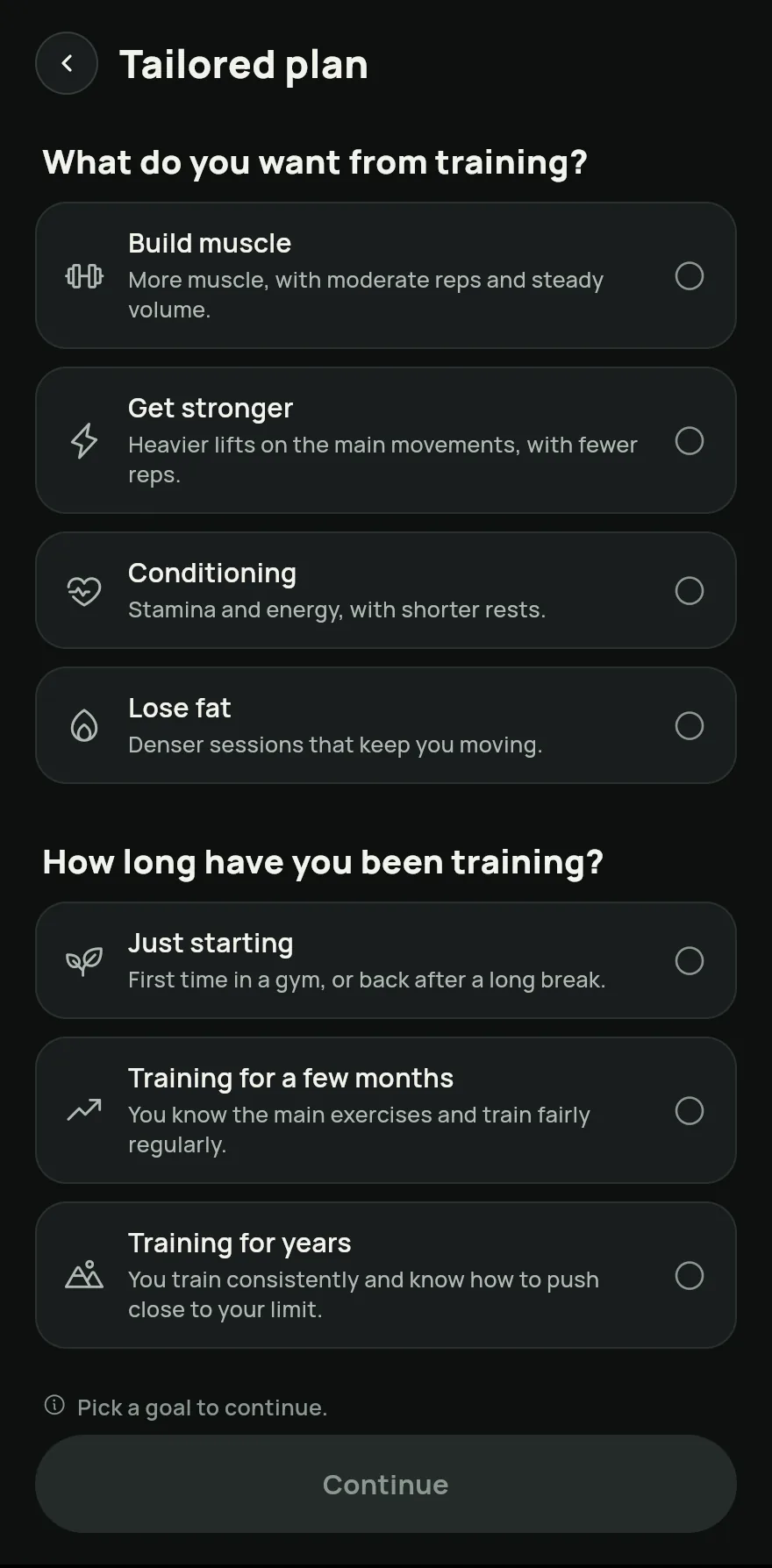
Pick your goal and level, then the Days per week and the Time per workout. If something bothers you, mark the regions under Something bothering you? to leave out the exercises that load them. Tap Continue.
Step 3 Under Review your plan, check each workout. To swap an exercise you cannot or would rather not do, tap the swap arrows next to it and pick another under Swap for.
Tap Use this plan. The plan's routines go on the days of the week, and your weekly goal becomes the plan's number of days.
On the My plan screen, follow your goal, level, the week of the cycle and the next lighter week, plus the Workouts of the plan.
Common problems
- The My plan screen says I follow a coach's program
- With a coach's program in force, it comes first. The tailored plan is for those who train on their own. See How to add your coach and choose what they see.
- Some movements were left out
- They have no option with the gear of your place. Make a place with more gear active and redo the plan.
- I got a notice that my cycle has ended
- You finished the weeks of the plan. Tap Redo plan to build the next cycle with your current answers.
Open in the app
In Gym+, tap the question mark on the Home screen to open the Help Center and search for “Tailored plan”. The Open now button takes you straight to the screen.
Related articles
- How to start a workout and log your setsStart a workout from a routine, from exercises, from muscles or as a quick workout, and log the load and reps of every set.
- How to create and use workout routinesBuild routines with exercises, sets, reps and loads, spread them across the week and start each workout with everything ready.
- How to do a quick workout with the time you havePick the time, the theme and the place, and Gym+ builds a workout on the spot that you can save as a routine at the end.
Updated on 10/26/2026, app version 1.3.6